Brew Can Co.
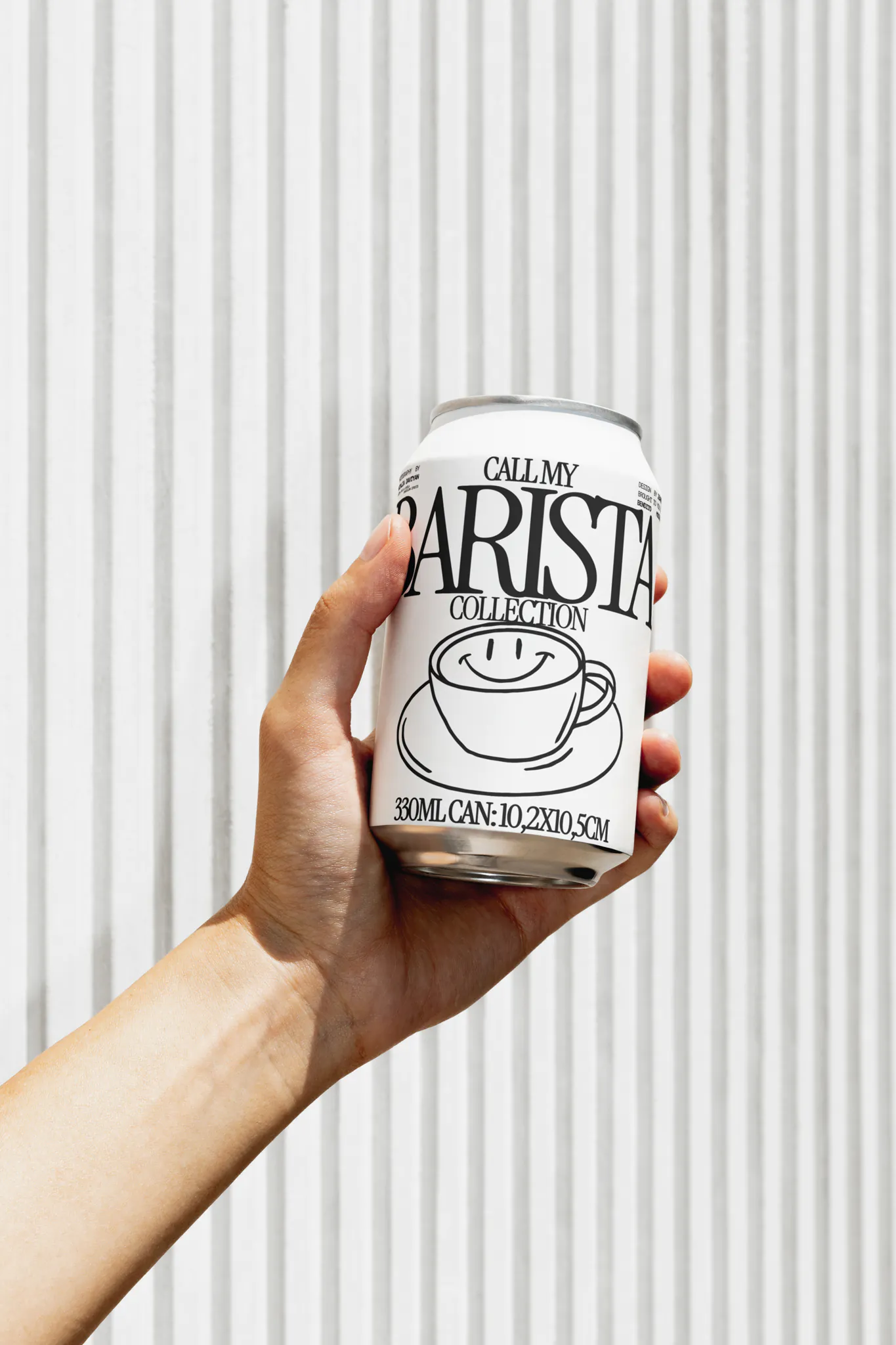
project overview
search is no longer text-first. as users increasingly combine images and text to express intent, this project explored how visual search on bing could evolve from a stand-alone tool into a native search modality. my role was was to define the experience strategy, identify high-value entry points and shape a multi-modal search experience that seamlessly combined visual understanding with web-search.
project type
Packaging Design
year
2024
my role
Lead Brand Designer
client
brew can co.
FRAMING THE QUESTIONS
GOAL 01:
how to make visual search more meaningfully discoverable?
GOAL 02:
how might we reduce the friction of searching visually?
GOAL 03:
how can we design results for a multi-modal search experience?
01
CHAPTER 01 • DISCOVERABILITY
Make Visual Search Discoverable
WHILE IMAGE BROWSING
'I LIKE THE SOFA, I WANT TO SEE MORE SUCH SOFAS'; 'WHAT IS THE NAME OF THIS FLOWER?'
USER RESEARCH:
• Primary intent for image search:
inspiration, identify something, use in a project
• secondary intent for image search:
look for image within an object, casual browsing, get text from image
• mental model for image click:
see larger image, save/download, find details about image
• visual search workflow pain point:
struggle with multi-step approach to translating text on image
RESPECT THE USER'S PRIMARY TASK
• Surface the interaction only when users intentionally engage with the image, ensuring it doesn't compete with their primary intent.

ADAPT TO USER INTENT:
• Tailor the action based on the image content—making the capability more relevant and intuitive.

INTERACTION:
WHILE VIEWING AN IMAGE IN DETAIL
'I LIKE THE JEANS SHE IS WEARING, I WANT TO SEE MORE OF IT'
USER SIGNALS:
• business goal:
visual search gets it's maximum traffic from this page, maintain the traffic
• pain-point around navigation:
too many click targets frustrate users as it leads to unintended clicks and difficulty in navigatinf
• pain-point around visual noise:
persistent overlays create visual noise that annoys users who want to consume the image
• learnings from past flights:
the full image shimmer and hotspot both report user dsats
DESIGN DECISIONS:
• Make image segmentation an user-controlled interaction rather than automatically segmenting images.
• Preserve the integrity of image consumption by avoiding persistent overlays that compete with the image.
• Provide contextual guidance through subtle affordances
• Maintain a consistent experience across canvases
INTERACTION:
SEARCH FROM VIDEOS WITHOUT INTERRUPTING THE FLOW
'WHO IS THE ACTOR?'; 'I LIKE THE SHOES THEY SHOWED IN THE VIDEO, WONDER WHICH SHOES THEY WERE?'
INFLUENCING PRODUCT DIRECTION:
INFLUENCING PRODUCT DIRECTION:
• what does it do:
identify products, people, place in video
• where does it show:
outside the player as a banner
• when does it show:
when the video is paused
• how does it behave:
REDIRECT TO A NEW PAGE ON CLICKING THE BANNER/ cta
INTERACTION:
02
CHAPTER 02 • REDUCE FRICTION
Reduce the friction of searching visually
SEAMLESSLY ENTERING IMAGE TO THE SYSTEM
'IT IS CUMBERSOME TO SAVE AN IMAGE TO MAKE A QUERY. I WISH I COULD JUST PASTE IT.'
DESIGN PRINCIPLES:
• Reduce friction by adapting the experience to the ways users naturally interact with visual content, rather than requiring them to learn new behaviors or follow prescribed paths.
• Leverage AI to anticipate possible intents to make searching from images immediate and effortless
INTERACTION:
03
CHAPTER 03 • DESIGN FOR MULTIMODAL SEARCH EXPERIENCE
DESIGN FOR MULTIMODAL SEARCH EXPERIENCE
REAULTS: SUPPORT MULTIPLE PATHS TO COMPLETION
'I WANT TO COPY SOME PARTS OF THE TEXT FROM THE IMAGE I PASTED'
DESIGN PRINCIPLES:
• Prioritize actions and information based on what users are trying to accomplish
• Carry the user's visual and textual context forward
• Present the right information at the right level
INTERACTION: